Microsoft outage: a test for your disaster recovery

13th November 2026 | by Matt Fooks
2 Minute Read
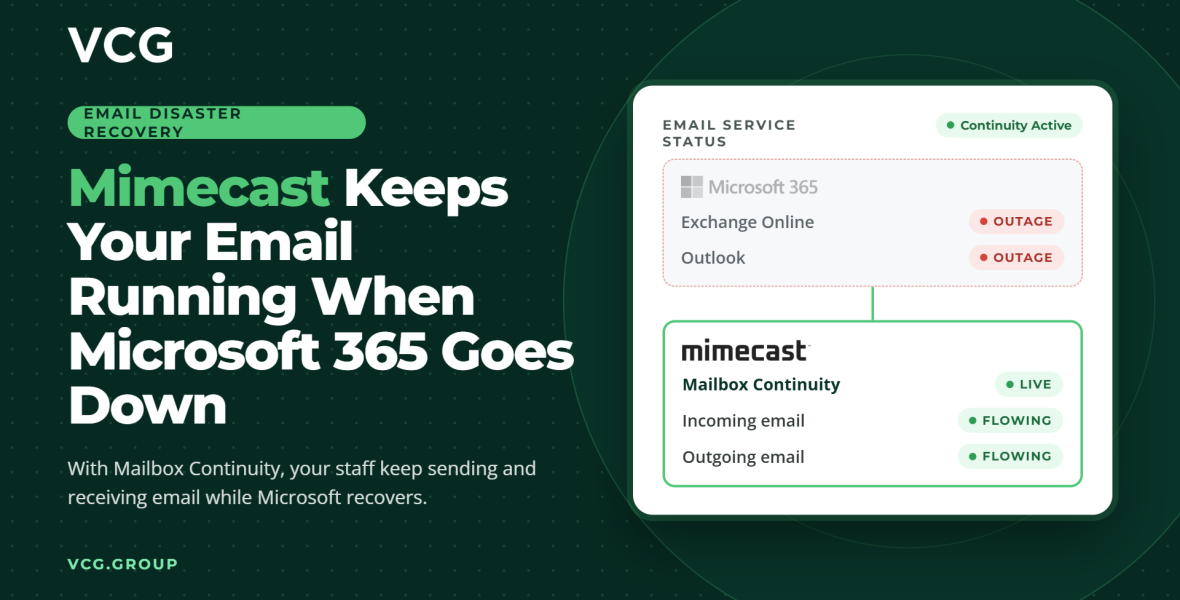
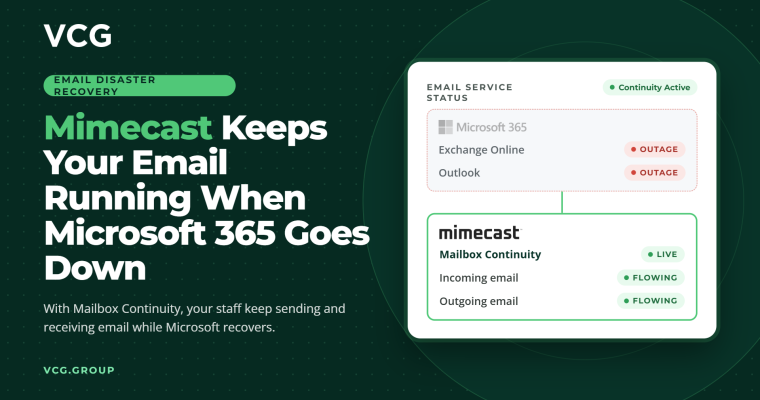
Did you know that Mimecast can keep your organisation sending and receiving email during a Microsoft outage?
Since Thursday, Microsoft 365 users have faced disruption to Exchange Online, Outlook, Teams and other services. At the time of writing, Microsoft is rolling out a fix region by region but has not confirmed a root cause or a time for full recovery.
If all your email runs through Microsoft, you have to wait. Organisations that use Mimecast, or a similar tool, for email security have another option, because their email does not rely on Microsoft alone.
How it works
Email isn’t tied to one provider. It moves between mail servers using a common standard, and each organisation publishes a record (the MX record) telling other servers where to deliver its mail.
For a Mimecast customer, that record points to Mimecast, not Microsoft. Incoming email arrives at Mimecast first, gets checked for threats and is then passed to Exchange Online. Outgoing email leaves through Mimecast too.
So when Exchange Online fails, Mimecast still accepts your email. Incoming messages are held rather than bounced, and nothing is lost. 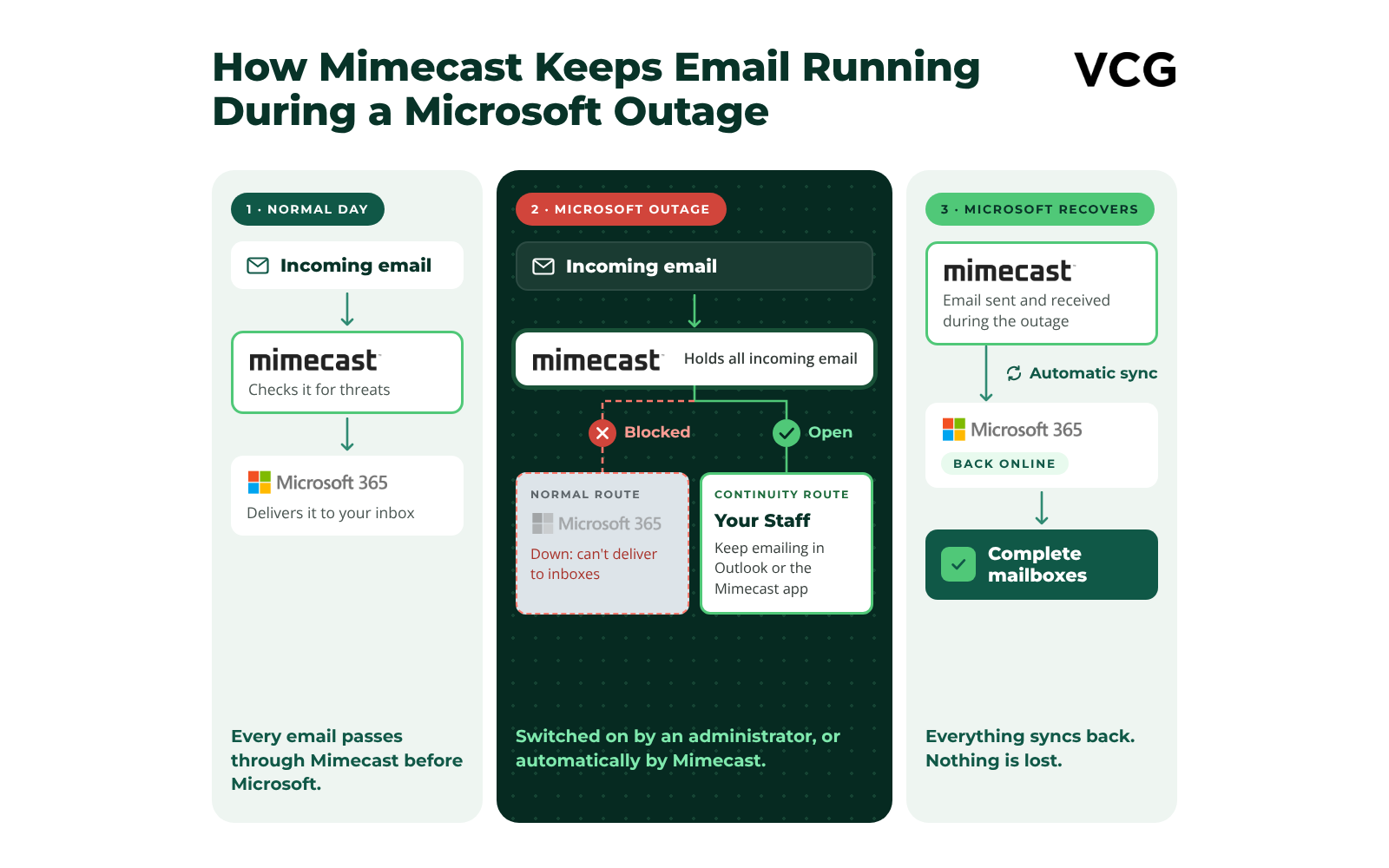
Mimecast Mailbox Continuity
Mimecast’s continuity service is what lets staff keep working. When Microsoft goes down, a continuity event is started in one of two ways: an administrator turns it on manually, or Mimecast detects the outage and turns it on automatically.
Staff can then read their email and reply from Outlook, the Mac app or their phone, with access to their recent email and calendar. Mimecast delivers their messages directly to each recipient’s mail server, without going through Microsoft. When Microsoft recovers, everything sent and received during the outage syncs back into your mailboxes.
Continuity has to be set up before an outage. You can’t add it once one has started.
What about recipients on Microsoft?
Mimecast keeps your email working; it can’t fix anyone else’s. If a recipient is also affected by the outage, Mimecast holds your message and retries until their service returns, so it arrives late rather than being lost. Contacts on other providers, or on parts of Microsoft that are still working, receive your email as normal.
What to check in your plan
Is Mailbox Continuity licensed and configured? It is a separate service from Mimecast email security.
Is it set to turn on automatically, or does someone need to turn it on manually? If manually, who does it, and do they know how?
Can users still sign in to Mimecast if Microsoft sign-in is down? If Mimecast relies on Microsoft single sign-on, set up a fallback such as Mimecast cloud passwords.
Do users know what to do? A short guide and a tested failover make the difference on the day.
Support from VCG
If you are a VCG customer and need help during the Microsoft outage, or to get back up and running once it is resolved, our service teams are ready to help. Contact your account manager or our service desk as usual.
If this outage has shown up gaps in your disaster recovery planning, talk to us. We can review your email continuity and wider resilience so you are ready for the next one. Get in touch at vcg.group.

Latest Insights
Resource, Insight and guides from industry thought leaders.